[U.S. Visa] Photo Size, Requirements and How to Take One
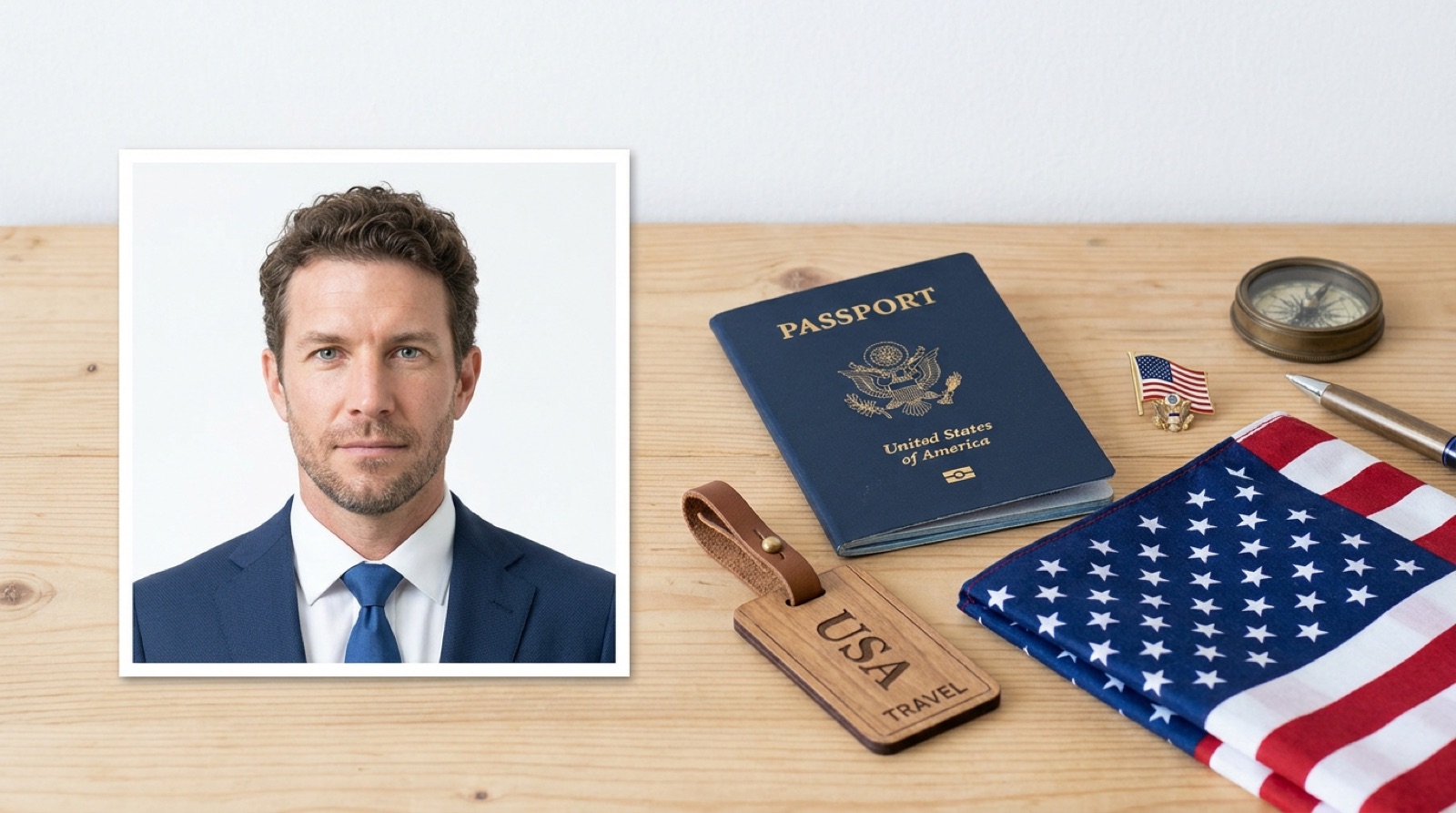
A U.S. visa photo is a 2x2 inch (51x51 mm) square. The digital photo you upload with the online application (DS-160) must also be square, between 600x600 and 1200x1200 pixels.
Since November 1, 2016, photos taken with glasses are no longer accepted. This article summarizes the requirements we could confirm on the U.S. Department of State's official page (travel.state.gov), along with tips for taking your photo.
*This information is current as of November 2026. Please check the official page for the latest requirements before you apply.
Walking distance from Shinjuku Station2 min from Shinjuku-gyoemmae Station Need it done fast & easy?Same-day booking OKSame-day pickup OK
 Book Now
Contents
- U.S. Visa Photo Requirements at a Glance (Confirmed on the Official Page)
- Paper Photo vs. DS-160 Digital Photo
- Why Are They Considered Strict? The Rules on Glasses and Editing
- What to Check Before You Shoot
- Where Should You Take It? Pros of Photo Studios, Photo Booths and Smartphones
- U.S. Visa Photo FAQ
- Summary: U.S. Visa Photos Are “Square, No Glasses, No Editing”
U.S. Visa Photo Requirements at a Glance (Confirmed on the Official Page)
First, here is a table of the requirements we confirmed in the U.S. Department of State's photo guidance. Note that the rules are worded differently for paper photos and digital photos.
| Item | Requirement |
|---|---|
| Paper photo size | 2x2 inches (51x51 mm), square |
| Digital photo (for DS-160) shape | Square |
| Digital photo dimensions | Minimum 600x600 pixels, maximum 1200x1200 pixels |
| Glasses | Not allowed since November 1, 2016 |
| Editing / filters | Not allowed |
The official page also lists detailed conditions such as head size, background and when the photo was taken. We won't guess at those here, so please check the official page before you take your photo.
Paper Photo vs. DS-160 Digital Photo
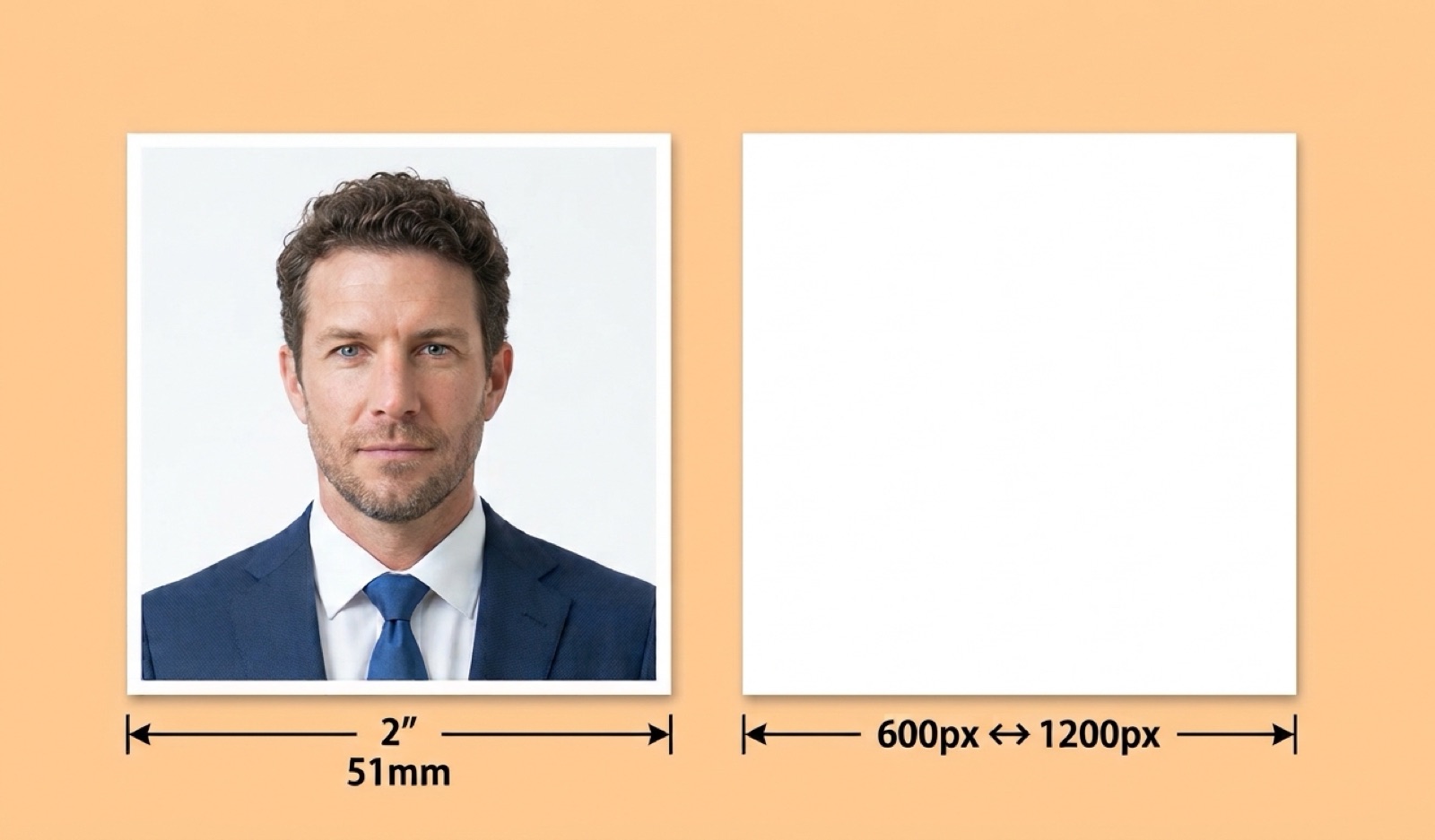
For a U.S. visa, you may deal with two kinds of photos: a paper photo and a digital photo. Which one you need depends on your application procedure.
Paper photos are “2x2 inch squares”
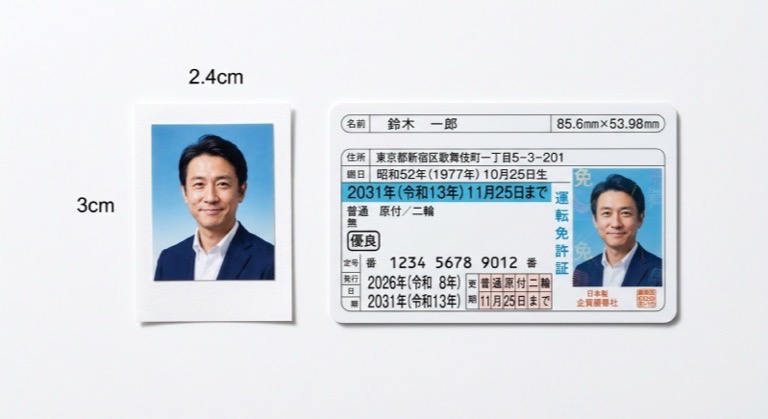
A paper photo is a 2x2 inch (51x51 mm) square. This is a different shape from the vertical rectangle commonly used for ID photos in Japan.
Some photo booths may not offer this square size. It's a good idea to check which sizes are available before you go.
Digital photos are “squares of 600 to 1200 pixels”
The DS-160 is the online application form for a U.S. visa. The photo file you upload must be square, with both width and height between 600 and 1200 pixels.
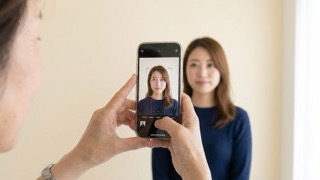
A pixel is the unit that measures how detailed an image is. Photos straight from a smartphone are often rectangular, so they won't meet the requirement as they are.
Why Are They Considered Strict? The Rules on Glasses and Editing
U.S. visa photos are said to be “strict” because glasses and editing are explicitly prohibited. If you shoot the way you would for a typical Japanese ID photo, these are the points where people tend to slip up.
Take off your glasses
Since November 1, 2016, photos with glasses are no longer accepted. Even if you normally wear glasses, take them off for the photo.
Glasses can leave marks on your nose, so taking them off a little before the shoot will help you look more natural.
Skin smoothing and filters are not allowed either
Photo editing and filters are not allowed. Avoid photos where you've smoothed your skin or changed the colors with a smartphone app.
That said, because the rules are clear, you won't have to guess if you shoot to the requirements. There's no need to worry. Just check each point one by one.
What to Check Before You Shoot
Before your shoot, please check the following. Sorting out which photos you need and how many in advance will help you avoid retakes.
- Do you need a paper photo, a digital photo, or both?
- For a digital photo, is it square and within 600 to 1200 pixels?
- Have you taken off your glasses?
- Have you avoided editing and filters?
- Have you checked the other conditions on the official page, such as head size, background and when the photo was taken?
It's also best to keep your clothing and hairstyle natural, close to how you normally look. If your bangs fall over your eyes, pin them back so your face is clearly visible.
Where Should You Take It? Pros of Photo Studios, Photo Booths and Smartphones
Where to take your photo is a matter on which opinions differ. Below we list the advantages and drawbacks of each option side by side.
| Where | Advantages | Things to Keep in Mind |
|---|---|---|
| Photo studio | Photos are taken to the required specs. Easy to get both digital and paper copies | Takes time to book and travel |
| Photo booth | Found at train stations and elsewhere. You can take a photo whenever you need one | Some machines don't offer 2x2 inches |
| Smartphone | You can retake as many times as you like at home | You must match the square shape and pixel size yourself. Watch out for built-in editing features |
If convenience matters most, a photo booth or smartphone may suit you. For tips on using a booth, see “4 Tips for Taking a Great Photo in an ID Photo Booth” (in Japanese).
If you're not confident your photo meets the specs, a photo studio is a good choice. In my opinion, the closer your travel date is, the more it makes sense to choose a method that gets you a compliant photo in one go.
At 19Studio Shinjuku, which specializes in job-hunting photos, we can shoot visa and passport photos for any country, including the U.S., to that country's specifications. You can receive your photo data by LINE or email, so you can use it directly for your DS-160 application. We're a 2-minute walk from Shinjuku-gyoenmae Station on the Tokyo Metro Marunouchi Line, and we accept same-day bookings (19Studio Shinjuku booking page).
U.S. Visa Photo FAQ
Can I reuse my Japanese passport photo?
No. Japanese passport photos are vertical rectangles, while U.S. visa photos are square. The shape and size are different, so you'll need to take a new photo for your visa.
Can I use a photo taken with my smartphone for the DS-160?
What matters is not where you took it, but whether it meets the requirements. Check it against the conditions on the official page, such as whether it's square, within 600 to 1200 pixels, and free of editing.
I look different without my glasses. Do I really have to take them off?
We understand the concern, but photos with glasses are not accepted. The rule is to take the photo without them, so go ahead and take them off with confidence.
Summary: U.S. Visa Photos Are “Square, No Glasses, No Editing”
Here are the key points for U.S. visa photos.
- Paper photos are 2x2 inch (51x51 mm) squares
- DS-160 digital photos are square, 600x600 to 1200x1200 pixels
- Since November 1, 2016, photos with glasses are not accepted
- Editing and filters are not allowed
- For head size, background and other details, check the official page (travel.state.gov)
For photo tips that also cover other countries, see “What to Watch Out for with Visa Photos.” Check each requirement one by one, and give yourself plenty of time to apply.
- I love writing and I'm currently studying copywriting. I turn the questions our guests often ask and the things I notice in the studio into easy-to-read articles about job-hunting and ID photos, so that even first-timers can understand them.
 Walking distance from Shinjuku Station2 min from Shinjuku-gyoemmae Station19Studio Shinjuku — ID & Job-Hunting PhotosNeed it fast? No problemSame-day booking & same-day pickupCome empty-handed, shoot right awaySuit compositing option availableBook Now
Latest posts
 Passport, Visa & Other ID PhotosNovember 21, 2026[U.S. Visa] Photo Size, Requirements and How to Take One
 Passport, Visa & Other ID PhotosNovember 21, 2026Japan Driver's License Photo: Size, Requirements and Tips for Bringing Your Own
 Passport, Visa & Other ID PhotosNovember 20, 2026What Is a Senzai Shashin (Promotional Headshot) in Japan? Tips for a Studio Shoot [Bust-Up Edition]