Where to Get a Passport Photo in Japan: 4 Ways Compared, Plus Photo Requirements
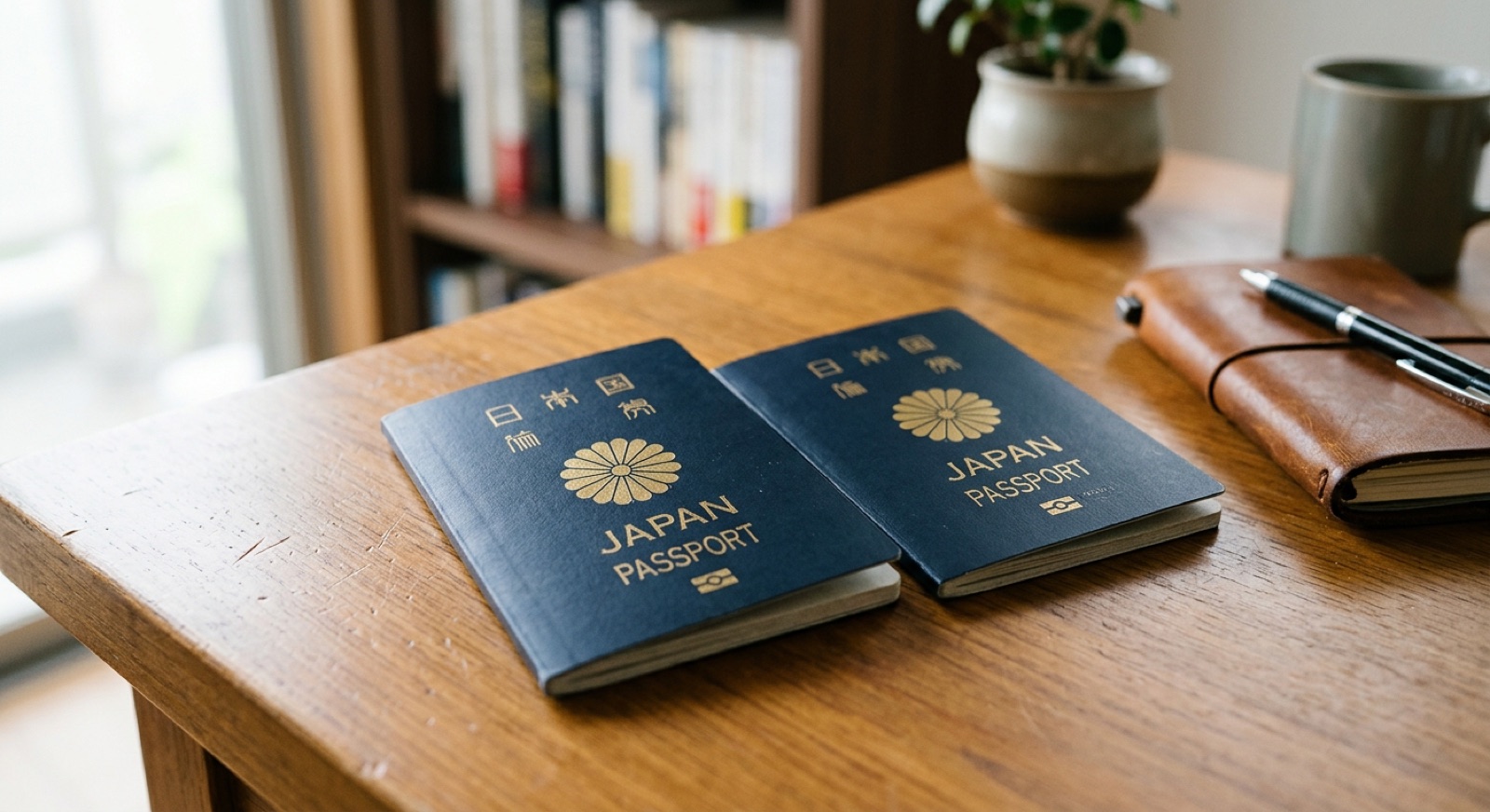
You can take your passport photo anywhere, as long as it meets the requirements: 45 mm tall × 35 mm wide, a plain light-colored background, and taken within the last 6 months.
There are three main options: an ID photo booth, a photo taken on your phone and printed at a convenience store, or a photo studio.
If you apply online, you can also upload the photo file from your phone as it is.
This article compares all four options in a table to help you find the one that suits you.
 Need it done fast & easy?Same-day booking OKSame-day pickup OK
 Book Now
Contents
- Passport photo requirements (size, background, face size)
- Comparing the 4 ways to take a passport photo
- Tips for using an ID photo booth
- How to take a photo on your phone and print it at a convenience store
- Benefits of a photo studio
- Choosing the best way for your needs
- Checklist to avoid a retake
- Passport photo FAQ
- Summary
Passport photo requirements (size, background, face size)
First, let's check the photo requirements set by Japan's Ministry of Foreign Affairs.
In particular, the size of your face and the space above your head are the points people most often get wrong when taking the photo themselves.
| Item | Requirement |
|---|---|
| Photo size | 45 mm tall × 35 mm wide (no border) |
| Face length | 34 mm (±2 mm) from the top of the head to the chin |
| Space above the head | 4 mm (±2 mm) from the top edge of the photo to the top of the head |
| Background | Plain, light color (white, light blue, light gray, etc.). No shadows or patterns |
| When it was taken | Within 6 months before the application date |
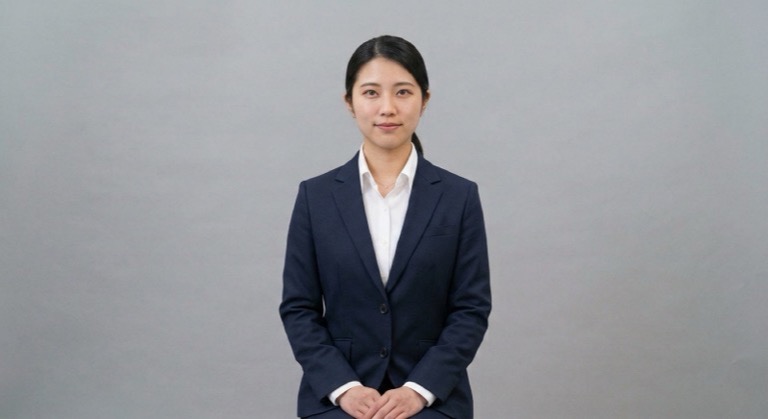
| How you appear | You alone, facing the front, no hat, in sharp focus |
The requirements may change, so it is a good idea to check the guidance from the Ministry of Foreign Affairs or your prefecture's passport office before you apply.
Comparing the 4 ways to take a passport photo
We compared the four options by cost, convenience, and quality of the result.
Which one is best depends on whether you value a low price or peace of mind.
| Method | Cost | Convenience | Quality and confidence in meeting requirements | Best for |
|---|---|---|---|---|
| ID photo booth | Medium | ◎ Available right away at stations and shopping centers | ○ The size is set automatically | People who need a photo right now |
| Phone + convenience store print | Easiest to keep low | ○ You can take it at home | △ You need to get the background, lighting, and size right yourself | People who want to keep costs down |
| Photo studio | Higher | △ Often requires a reservation and travel | ◎ A professional photographer shoots to the requirements | People who don't want to risk a retake, or who want a nice photo for the next 10 years |
| Online application (phone photo file) | No printing cost | ◎ Complete everything at home, up to the application | △ You take it yourself, so watch the lighting and background | People applying online |
Tips for using an ID photo booth
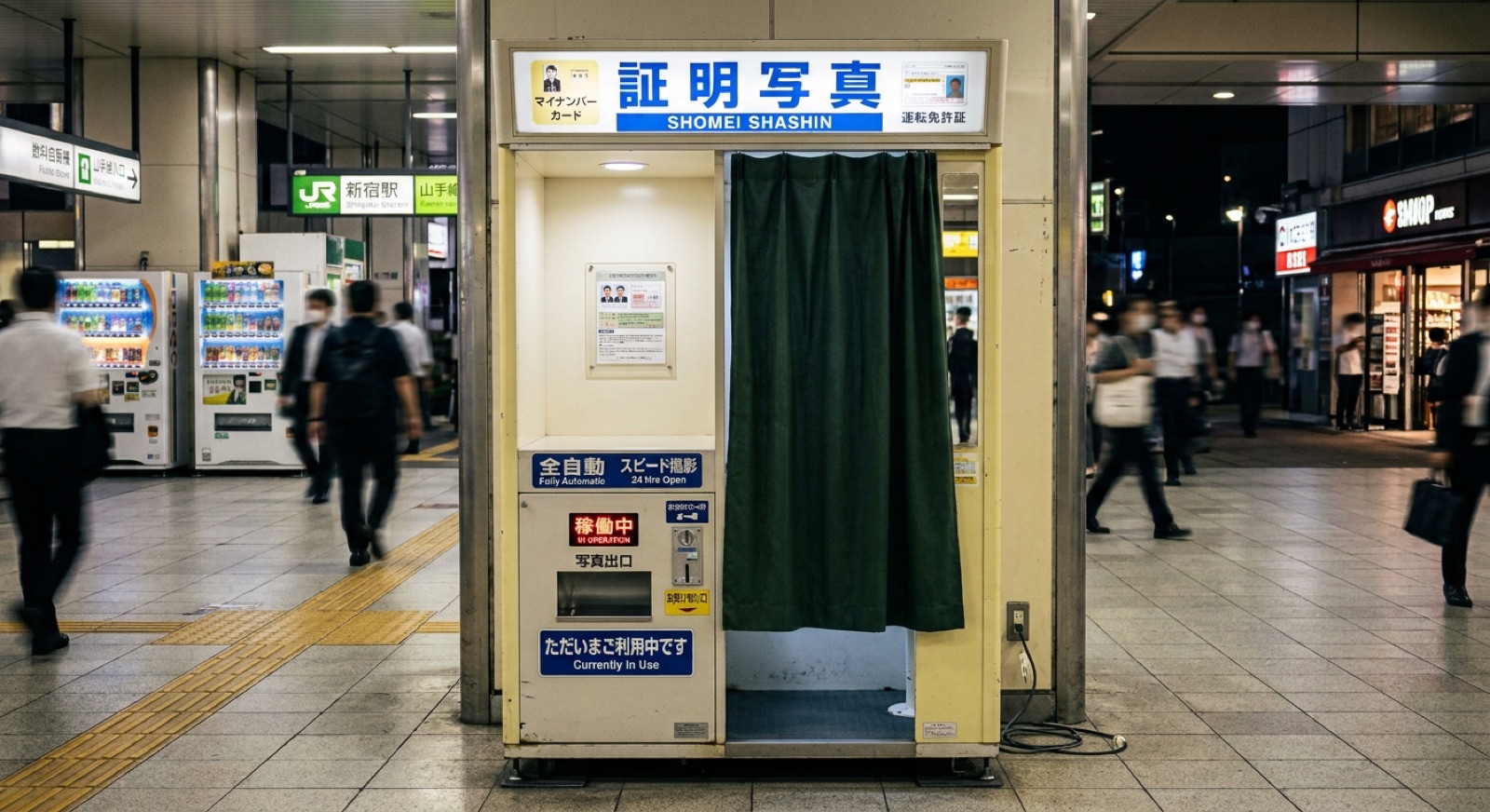
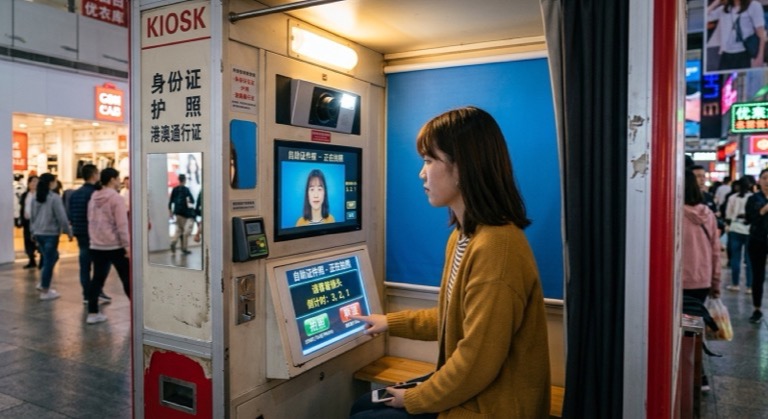
With an ID photo booth, you just select the "passport" size and the photo is printed at the correct dimensions.
The biggest advantage is that you can take a photo whenever you need one.
To get a good photo, keep the following in mind.
- Before shooting, adjust the stool height so your face fits inside the guide lines on the screen
- Tuck your chin in slightly and keep your back straight
- Arrange your bangs so they don't cover your eyes or eyebrows
- White clothes can blend into the background, so wear a color that makes your outline stand out
If the booth allows retakes, it's reassuring to retake the photo until you are satisfied.
How to take a photo on your phone and print it at a convenience store
If you want to keep costs down, you can take a photo on your phone and print it at a convenience store.
Use an ID photo app to lay out the photo at passport size, print it on L-size photo paper or similar, and cut it out with scissors.
- Stand in front of a plain white or light-colored wall
- Choose a bright spot where shadows are unlikely to fall on your face, such as near a window with natural light
- Don't take a selfie. Ask someone to take the photo at eye level
- In an ID photo app, select the passport size (45 mm tall × 35 mm wide) and adjust the size of your face
- Print it with the convenience store's photo printing service, then cut it straight with no border left
Selfies tend to distort your face and often include the shadow of your arm. If you can, have someone else take the photo.
For online applications, you can use the phone photo file as it is
Since March 2023, you can renew your current passport online through Mynaportal, Japan's government online portal.
In this case, you don't print the photo. You upload the photo file taken on your phone.
Who is eligible and the steps involved may change. (As of November 2026)
Please check the Ministry of Foreign Affairs guidance before you apply.
Benefits of a photo studio
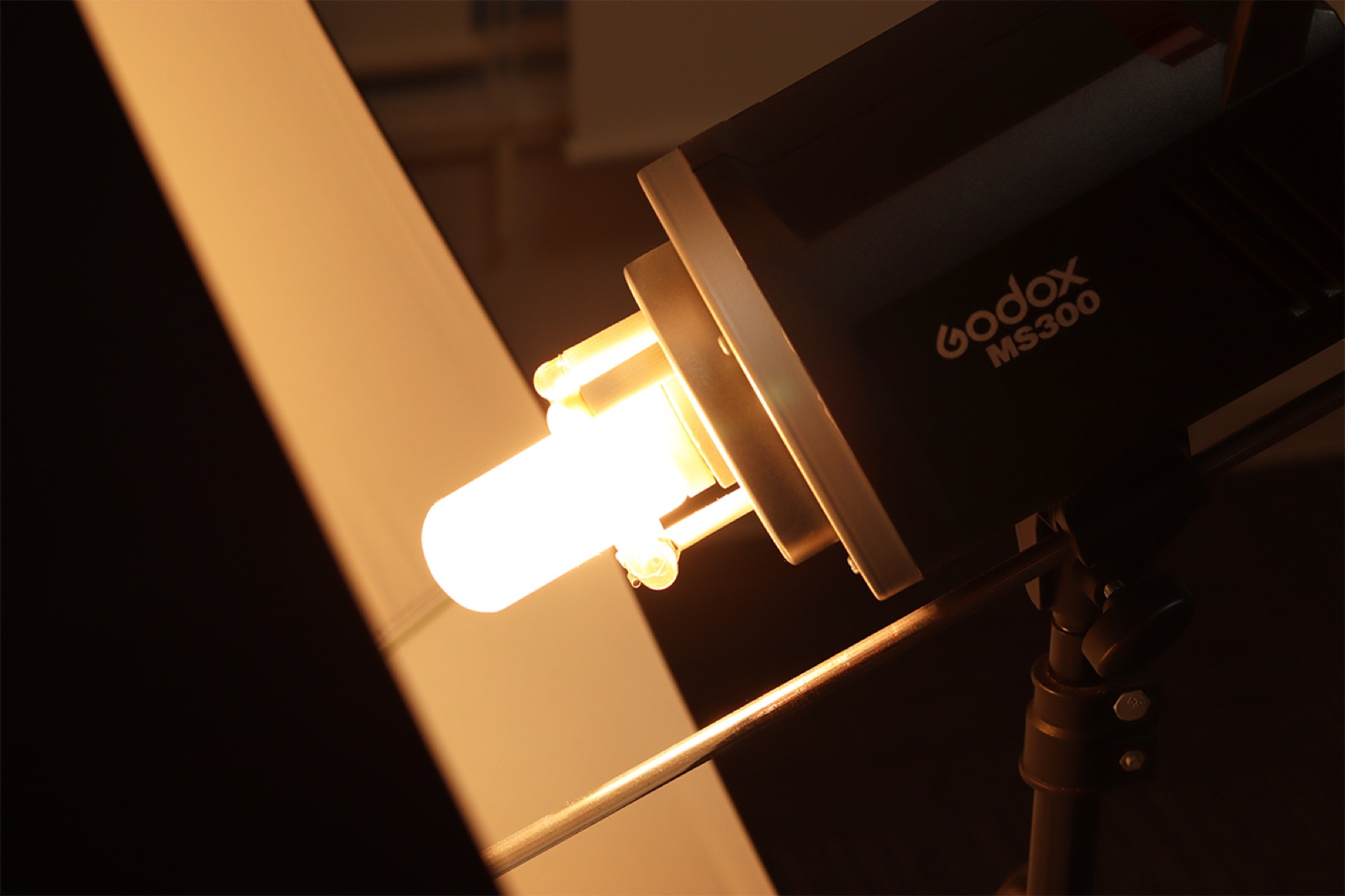
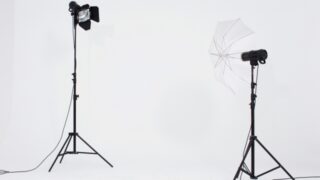
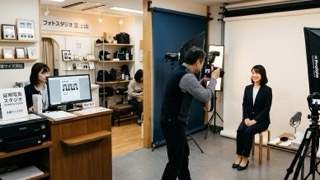
At a photo studio, a professional photographer shoots with the right face size, background, and lighting for the requirements.
A passport is valid for up to 10 years, so a studio is a good fit if you want a photo you'll be happy with.
- Studio lights remove shadows from your face for a clean look
- The photographer can adjust your posture and expression on the spot
- The photo is finished at the size that meets the requirements
19Studio Shinjuku, a studio specializing in job-hunting photos, also takes photos for passports and visas.
Photo data, retouching, and resizing are all included in the price, with no extra charges.
A session takes about 30 to 60 minutes at the shortest, and you can receive your photo data by LINE or email.
The studio is a 2-minute walk from Shinjuku-gyoemmae Station on the Tokyo Metro Marunouchi Line, and same-day booking is available.
You can check prices on the 19Studio price and plan list.
Please also see the available time slots at 19Studio Shinjuku.
Choosing the best way for your needs
If you can't decide, it helps to start with what matters most to you.
| What matters most | Recommended method |
|---|---|
| Keeping the cost as low as possible | Take it on your phone and print it at a convenience store |
| Getting it done today | ID photo booth |
| Reducing the worry of a retake | Photo studio |
| Having a nice photo for the next 10 years | Photo studio |
| Doing everything at home, up to the application | Online application (phone photo file) |
If you also need photos for other procedures, choose a method that gives you the photo data, so you can reuse it later.
Checklist to avoid a retake
Before you take it to the counter, check whether the photo meets the requirements. It's reassuring to go through the following points.
- Your face is turned straight toward the camera
- Your bangs and hair do not cover your eyes
- There are no shadows on your face or the background
- You have a natural expression with your mouth closed
- The photo has not been edited in a way that changes your features
- It has been cut straight, with no border left
We show common examples of rejected photos, with pictures, in Passport photo rejection examples and tips to get approved.
Points to watch for Japanese nationals are summarized in Notes on passport photos for Japanese nationals.
Passport photo FAQ
Can I keep my glasses on?
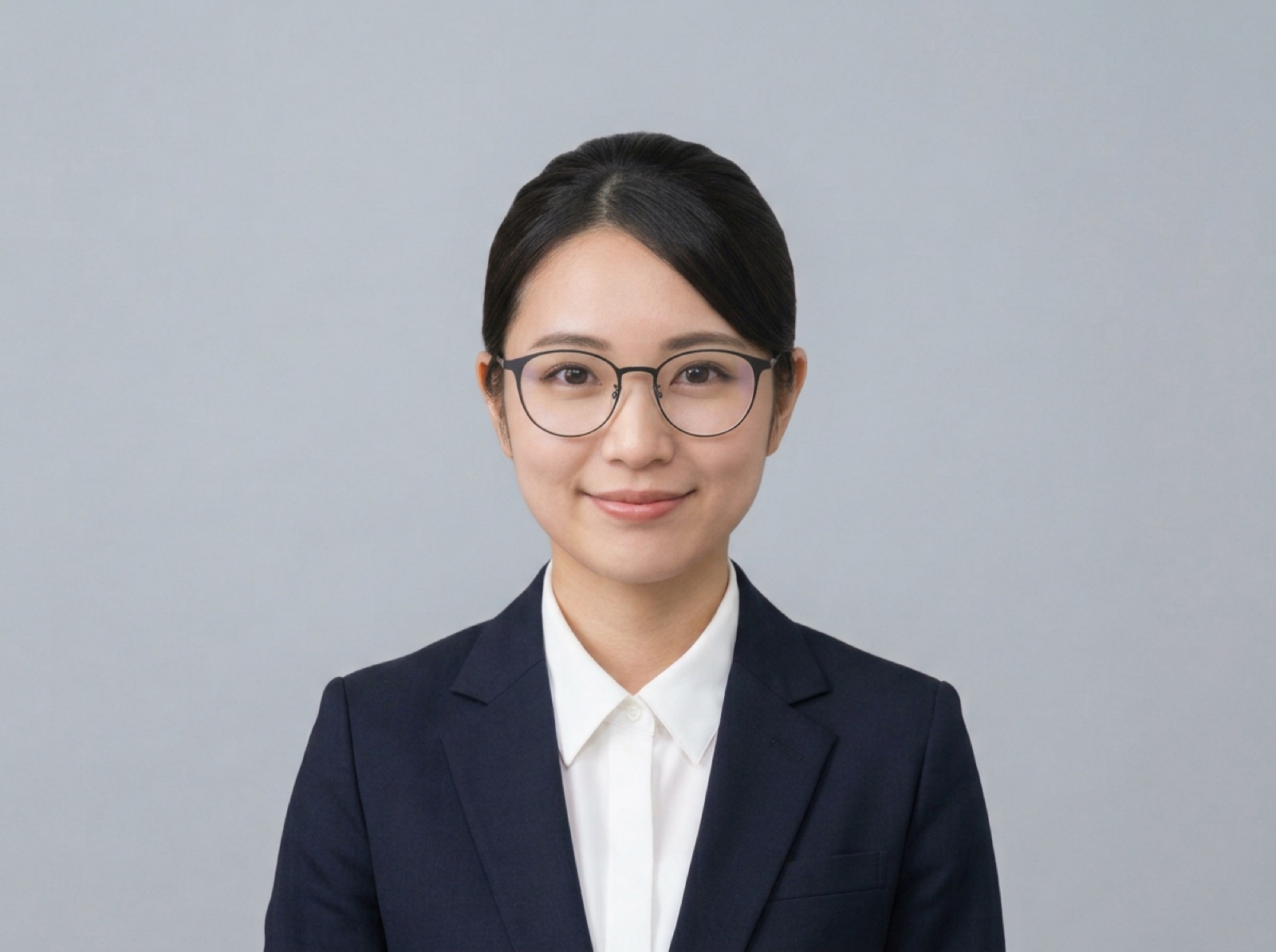
You can take the photo with your glasses on. However, if the lenses reflect light or the frames cover your eyes, you may need to retake it. If you're unsure, take the photo without your glasses to be safe.
Can I use a photo I took earlier?
Your passport photo must have been taken within 6 months before the application date. Older photos, or photos in which you look very different from now, can't be used.
Can I smile in the photo?
Avoid a smile that shows your teeth, and keep a natural expression with your mouth closed. Raising the corners of your mouth slightly will give a softer impression.
Does the background have to be white?
It doesn't have to be white. A plain, light color is fine. Light blue and light gray are also commonly used. Choose a background with no patterns or shadows.
Summary
As long as your passport photo meets the requirements, you can apply with a photo taken anywhere. Choose the method that fits what matters most to you.
- Requirements: 45 mm tall × 35 mm wide, a plain light-colored background, taken within 6 months
- To save money, take it on your phone and print it at a convenience store
- To get it right away, use an ID photo booth
- To reduce the worry of a retake, go to a photo studio
- If you renew online, you can use the photo file from your phone
If you're thinking of a studio shoot around Shinjuku, consider 19Studio Shinjuku, a 2-minute walk from Shinjuku-gyoemmae Station.
It is open on weekdays from 10:00 to 21:00 (last entry at 20:00).
- I love writing and I'm currently studying copywriting. I turn the questions our guests often ask and the things I notice in the studio into easy-to-read articles about job-hunting and ID photos, so that even first-timers can understand them.
 Walking distance from Shinjuku Station2 min from Shinjuku-gyoemmae Station19Studio Shinjuku — ID & Job-Hunting PhotosNeed it fast? No problemSame-day booking & same-day pickupCome empty-handed, shoot right awaySuit compositing option availableBook Now
Latest posts
 Passport, Visa & Other ID PhotosNovember 18, 2026My Number Card Photo Size, Rules and How to Take One (With Examples of What Not to Do)
 Passport, Visa & Other ID PhotosNovember 17, 2026Where to Get a Passport Photo in Japan: 4 Ways Compared, Plus Photo Requirements
 Job-Hunting ID PhotosNovember 13, 2026How to Choose an ID Photo Studio in Japan and What to Expect [For Job Hunting & Career Changes]