Resume Photos in Japan: Size, Where to Take Them & How to Attach Them [Basics]
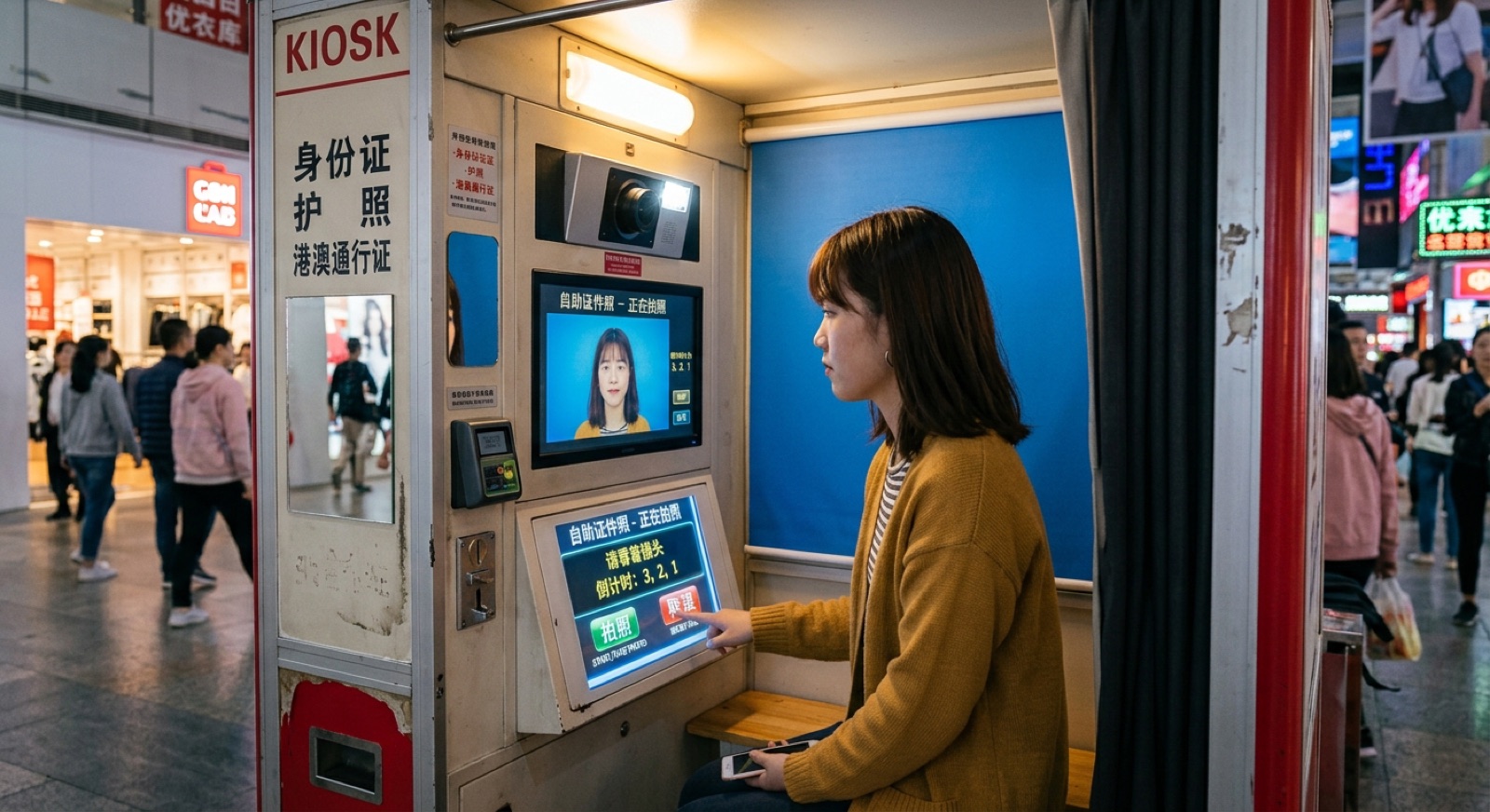
For a Japanese resume (rirekisho), the standard photo is 4 cm tall × 3 cm wide, and it should be taken within the last 3 months.
This article explains the photo size and how to choose where to have it taken.
At 19Studio, the photo data, retouching and size adjustment are all included in the price, with no extra fees.
We also cover what to wear and how to pose, how to write on the back and attach the photo, and what to watch for when submitting your photo as data for online applications.
 Need it done fast & easy?Same-day booking OKSame-day pickup OK
 Book Now
Contents
- The standard resume photo size is 4 cm × 3 cm
- Where to get your resume photo taken: 3 options compared
- Tips on clothing, hair and expression for a good impression
- How to write on the back and attach your photo
- Things to watch for with online applications and data submission
- Frequently asked questions about resume photos
- Summary: Check the size and requirements, and aim for a clean, neat photo
The standard resume photo size is 4 cm × 3 cm
The photo box on most store-bought Japanese resume forms is 40 mm tall × 30 mm wide.
If you are unsure, preparing a photo in this size is a safe choice.
The sample resume format published by Japan's Ministry of Health, Labour and Welfare gives the photo size as "36–40 mm tall and 24–30 mm wide."
First check the size of the photo box on your form, then have your photo taken.
| Item | Basic guideline |
|---|---|
| Size | 40 mm tall × 30 mm wide (most store-bought resume forms) |
| Ministry of Health, Labour and Welfare sample format | 36–40 mm tall × 24–30 mm wide |
| Framing | You alone, chest up |
| When it was taken | Within 3 months is the guideline |
| Background | Plain (white, light blue, gray, etc.) |
| Orientation | Facing the camera; no hat or mask |
If the company specifies a size, follow their instructions first.
Where to get your resume photo taken: 3 options compared
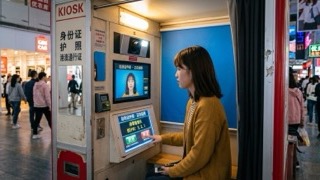
There are three main options: an ID photo booth, a photo studio, or taking a photo with your smartphone and printing it.
Each suits different people.
| Where | Convenience | Quality & retouching | Getting the data | Best for |
|---|---|---|---|---|
| ID photo booth | No reservation; take it right away | You adjust it yourself. Retouching is limited to simple edits, depending on the machine | Some machines let you receive the data on your smartphone | People who need a photo today |
| Photo studio | Reserve and visit | A photographer shoots while checking your posture and expression. You can also discuss retouching | Many studios provide the data | People submitting to a top-choice employer, or using the photo many times |
| Smartphone photo, printed | Take it at home | You need to sort out the lighting and background yourself | You already have the data | People whose employer has no specific requirements and who want minimal effort |
Whether a smartphone photo is acceptable for a resume is a topic where opinions are divided.
Some say "it is fine as long as you follow the employer's requirements," while others say "if you care about the impression you make, a properly taken photo is better."
If the job posting lists photo requirements, match those first.
After that, we suggest choosing based on whether you value convenience or finished quality more.
If you will send your photo to many companies for job hunting (shukatsu) or a career change, having it taken at a studio makes it easier to reuse.
19Studio Shinjuku is a 2-minute walk from Shinjuku-gyoenmae Station, and same-day booking is available.
Photo data, retouching and size adjustment are all included in the price.
Tips on clothing, hair and expression for a good impression
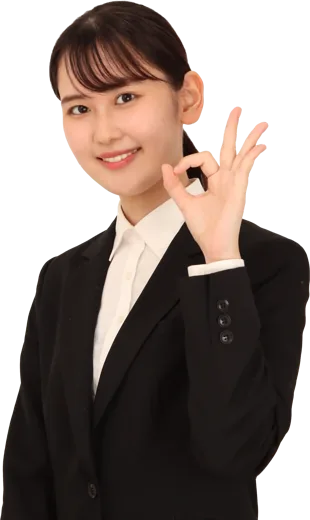
Your photo is the first thing people see when they open your documents.
The most important thing is to look clean and neat.
A suit is the standard
For new-graduate job hunting or a career change, a dark-colored suit (navy, black or gray) is standard.
Wear a white shirt and make sure the collar has no wrinkles.
For part-time jobs, a neat-looking outfit such as a collared shirt is fine.
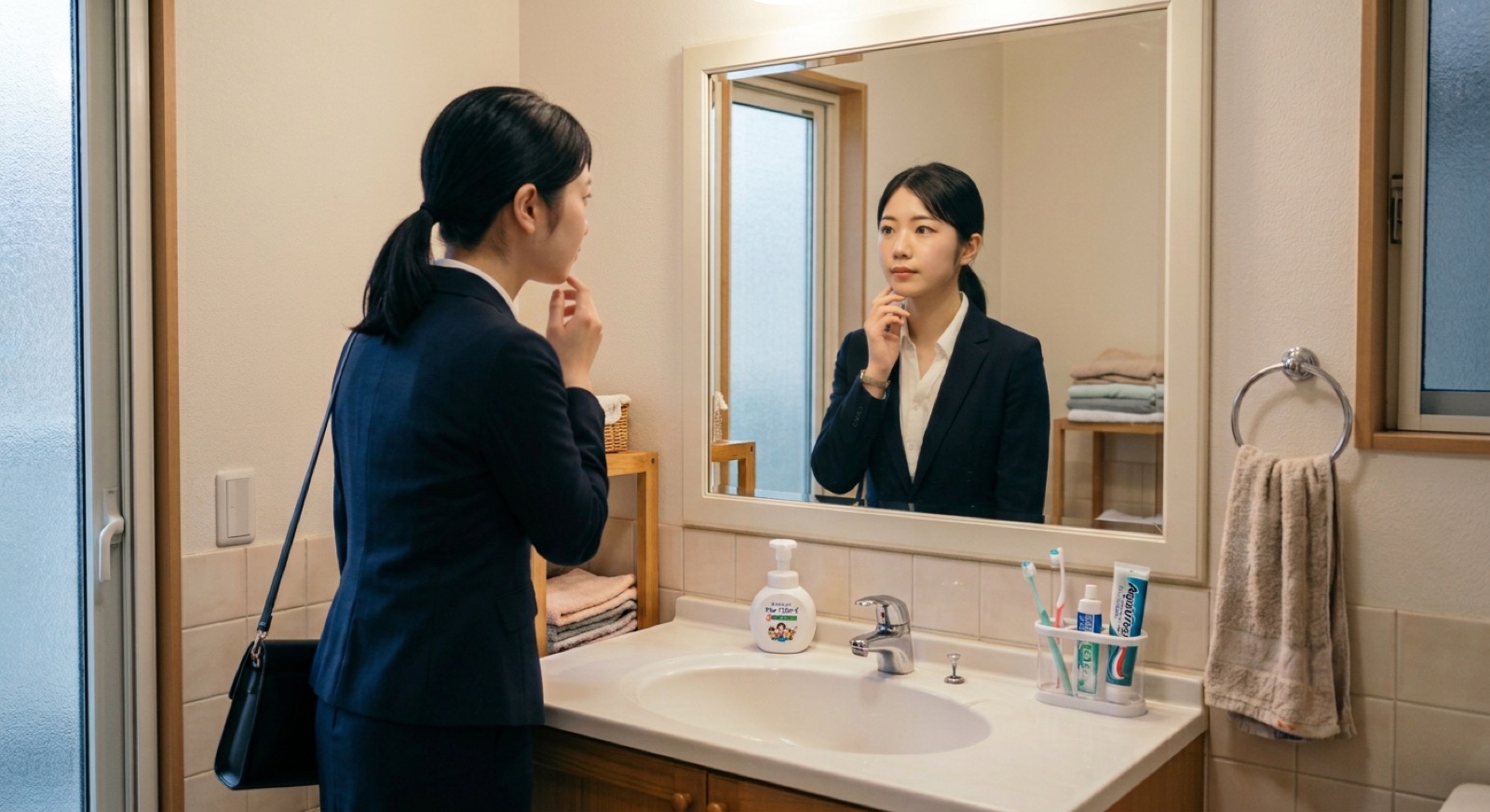
Keep your hair away from your face
Keeping your bangs off your eyes and eyebrows makes your expression look brighter.
If you have long hair, tying it back gives a clean impression.
Fix any bed hair and flyaways in a mirror before the photo is taken.
Expression: just lift the corners of your mouth slightly
You do not need to smile with your teeth showing. Lifting the corners of your mouth just a little gives a soft impression.
The key is to tuck your chin in slightly and look straight into the camera lens.
How to write on the back and attach your photo
Before attaching your photo, it is safer to write your name on the back.
Even if the photo comes off at the recipient's end, they can tell whose it is.
- Cut the photo: Use scissors or a cutter to cut straight, leaving no white border.
- Write your name on the back: Use an oil-based pen to write your full name. If you are a new graduate, adding your university name is a thoughtful touch. Do not press too hard, so the ink does not show through to the front.
- Glue it on: Spread a thin layer of glue over the whole back of the photo. Double-sided tape is also fine.
- Attach it straight: Line it up with the frame of the photo box so it does not tilt.
- Press down firmly: Press firmly all the way to the four corners so it does not peel off.
If you attach the photo after you finish filling out the resume, it is less likely to get fingerprints or smudges.
Things to watch for with online applications and data submission
These days, it is also common to submit your resume or application form (entry sheet) online. In that case, you upload your photo as a digital file.
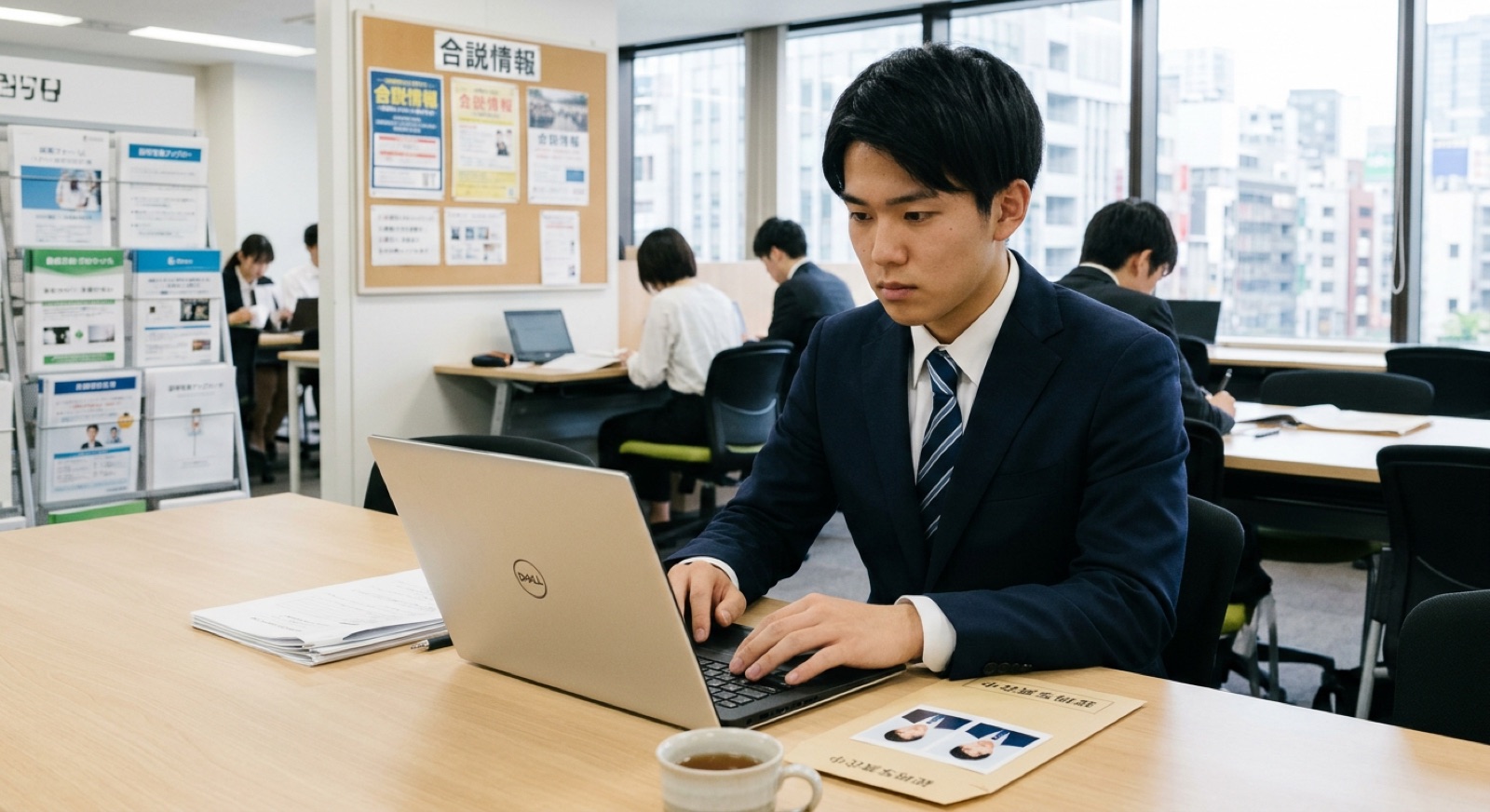
- File format: JPEG is often required. Check the instructions on the application form.
- File size: There may be a limit such as "under ○ MB." If the file is too large, you will not be able to upload it.
- Aspect ratio: Using a ratio close to the same 4:3 (height:width) as a printed photo helps it display cleanly on screen.
- File name: If the employer specifies one, name your file exactly as instructed.
If you have your photo taken in a way that gives you both a printed photo and the data, you can use it for paper resumes and online applications alike.
Frequently asked questions about resume photos
Can I use the same photo for many companies?
Yes. As long as it was taken within the last 3 months and you still look much the same, you can use the same photo. If you have significantly changed your hairstyle or hair color, it is safer to have a new one taken.
What color should the photo background be?
A plain background such as white, light blue or gray is common. If the employer specifies a color, follow it.
Can I use a purikura sticker photo or an everyday snapshot?
Purikura (Japanese photo-sticker booth pictures) and snapshots that include other people or scenery are not suitable as ID photos. Prepare a photo of only yourself, facing forward, against a plain background.
Are there resumes with no photo box?
In the Ministry of Health, Labour and Welfare's sample format, the photo box is marked "if a photo is required." However, most employers ask for a photo, so check the job posting before you prepare one.
Summary: Check the size and requirements, and aim for a clean, neat photo
The basics for a resume photo are 4 cm × 3 cm, taken within 3 months, with a plain background. If the employer gives specific instructions, follow those.
- Where to shoot: an ID photo booth if you are in a hurry, a studio if you care about quality, or a smartphone if convenience comes first
- Wear a suit, tidy your bangs, and lift the corners of your mouth slightly
- Write your name on the back, then glue the photo on straight
- For online applications, check the file format and file size
If you have both a printed photo and the data ready, you can handle any application method. Choose the approach that suits you and prepare a photo you are happy with.
- I have conducted hiring interviews at both listed companies and startups. Drawing on my experience reviewing applications and ID photos as an interviewer, I explain what recruiters really look at in your photo and entry sheet.
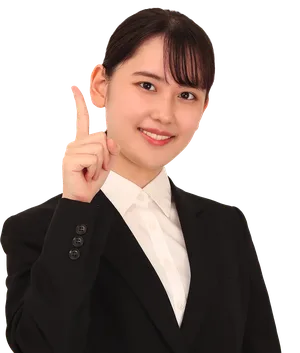 Walking distance from Shinjuku Station2 min from Shinjuku-gyoemmae Station19Studio Shinjuku — ID & Job-Hunting PhotosNeed it fast? No problemSame-day booking & same-day pickupCome empty-handed, shoot right awaySuit compositing option availableBook Now
Latest posts
 Job-Hunting ID PhotosNovember 18, 2026Resume Photos in Japan: Size, Where to Take Them & How to Attach Them [Basics]
 Job-Hunting ID PhotosNovember 17, 2026Resume Photos for a Job Change in Japan [Size, Attire & Where to Get Them Taken]
 Job-Hunting ID PhotosNovember 16, 2026How to Take an ID Photo for Job Hunting in Japan: Size, Clothing, and Where to Go