[Passport Fee Cut] Tips to Ensure Your Application Passes Inspection [Latest July 2026 Edition]
 スタッフA
スタッフA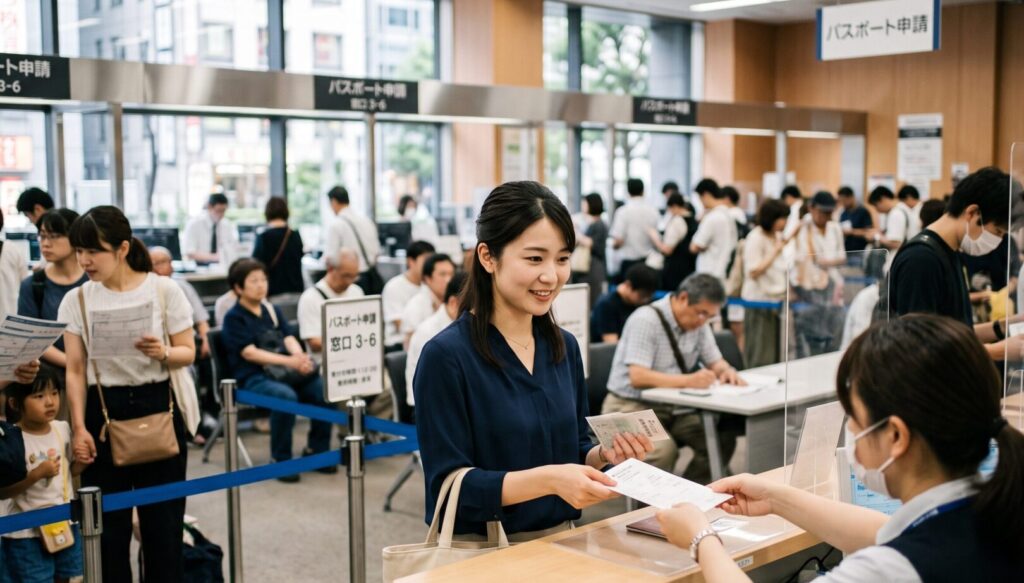
Great news for anyone planning overseas travel, business trips, or studying abroad!
Starting with applications submitted on or after July 1, 2026, passport issuance fees have been significantly reduced!
For those who thought, "Passports are expensive, so I've been putting it off...", this is the perfect opportunity.
However, while the cheaper fees have led to a surge in applicants, a growing number of people are facing rejected applications and double the hassle due to issues with "passport photos."
In this article, we'll thoroughly explain the latest fee revision rules starting July 2026, along with key strategies to ensure your application goes smoothly!
目次
What Changed in July 2026? Summary of Passport Fee Revisions
Passport fees have undergone a complete shift for applications submitted on or after July 1, 2026.
Of particular note is that using "online application (application via Mynaportal)" makes the fee even cheaper than applying in person at the passport window.
Here is the comparison between old and new fees (differences between online and counter applications):
| Passport Type | Application Method | Fee (Until June 30) | Fee (From July 1) |
| 10-Year | Online Application | 15,900yen | 8,900yen |
| 〃 | Counter Application | 16,300yen | 9,300yen |
| 5-Year (Under 18) | Online Application | 10,900yen | 4,400yen |
| 〃 | Counter Application | 11,300yen | 4,800yen |
| 5-Year (Under 12) | Online Application | 5,900yen | ー |
| 〃 | Counter Application | 6,300yen | ー |
With prices dropped this much, it’s natural that more people are thinking, "I'll take this chance to get a passport!"
However, there is one major caveat to keep in mind.
Why Is It Happening? Rapid Increase in Rejections from "Smartphone Photos"
With online applications, you can directly upload a photo taken on your smartphone to Mynaportal. While it looks convenient at first glance, troubles where "applications get rejected after submitting a smartphone selfie" are occurring endlessly.
Here are several common causes of application rejection with smartphone photos:
Top Margin & Face Balance Off by a Few Millimeters
Passport photos have extremely precise specifications regarding face size and margin above the head. Matching these strictly through smartphone cropping alone is a daunting task.
Faint Shadows or Gradients in the Background
Even if you think you took the picture in front of a white wall at home, room lighting can easily cause shadows to appear or light to fall unevenly, leading to rejection.
"Facial Distortion" Caused by Wide-Angle Smartphone Lenses
Taking photos at close range with a smartphone camera naturally creates distortion where the center of the face bulges and ears recede backward due to lens characteristics. This is often judged as non-compliant.
Glare in the Eyes and Obscured Facial Outlines
Minor details such as a single strand of hair covering the eyes, eyeglass frames overlapping the eyes, or clothing/accessories hiding the jawline are all strict grounds for rejection.
Having your online application rejected repeatedly after retaking selfies, and ultimately failing to make it in time for your planned trip, is the worst-case scenario you want to avoid.
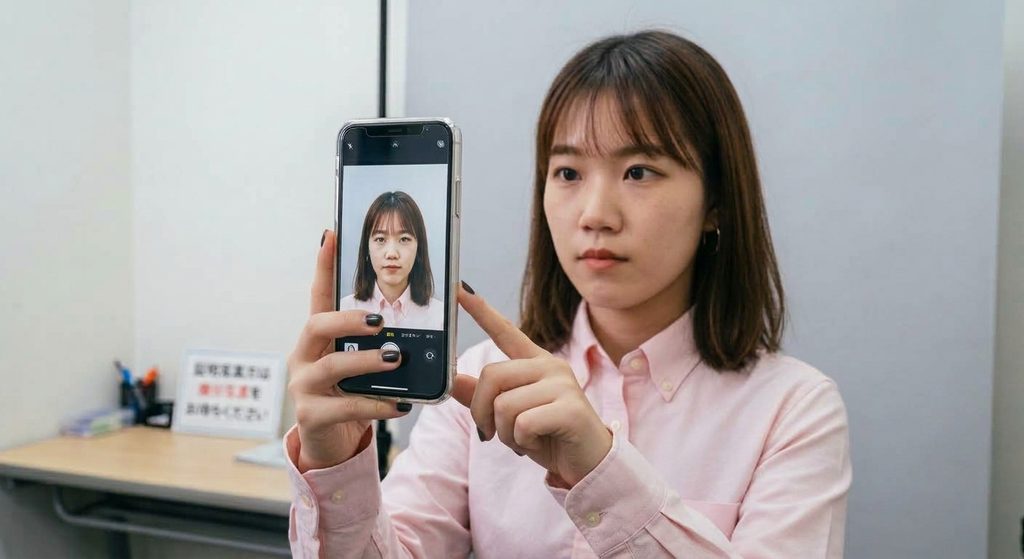
Recommended: Get Shot at a Photo Studio for Something You'll Use for Years!
A passport is something you will keep using for 5 or 10 years. It’s presented every time at immigration control during travel and serves as a vital identity document in case of emergencies abroad.
If you think:
- "Since I can make it cheaply, I want to be particular about the photo quality too"
- "I want to pass the application smoothly on the first try"
We strongly recommend having your photo taken by professionals at a studio.
3 Major Benefits of Leaving It to Professionals
- No Worry About Standard Violations
We reproduce millimetric head positioning, appropriate light levels, and an even background with no shadows compliant with international standards (ICAO guidelines).
We create photos you can apply with complete peace of mind! - A Satisfying Photo You Can Use for "10 Years"
Professional lighting techniques give you a healthy, bright impression.
While heavy editing that alters features is strictly forbidden, we apply "natural skin-smoothing and tone adjustments" within strict passport regulations, making a noticeable difference in appearance. - Digital Data for Online Applications Available on the Spot
We can provide digital data adjusted to the "exact file size and dimensions" suitable for uploading to Mynaportal right on the spot.
19Studio in Tokyo is Recommended for Passport Photos!
At 19Studio in Shinjuku, passport photo shooting is available!
Our staff will guide you on posture and facial expression from an objective perspective to capture a shot you'll be happy with.
Using specialized lighting techniques, we illuminate the entire face brightly, while our staff carefully assists so that eyes, ears, and jawlines are not covered.
Through retouching, we completely remove background shadows to deliver a sharp, crisp finish.
Furthermore, we precisely match face size and positioning down to the pixel level to prepare high-quality photos compliant with passport rules!
Same-day reservations and same-day delivery are also available, making it perfect for anyone who needs ID photos in a hurry!
Summary │ Get a Passport Photo You'll Be Satisfied With
今回の手数料改定により、パスポートが格段に安く作れるようになりました。
19Studioで、安心して申請できるパスポート用写真を用意しませんか?
気になる点やご予約は、ぜひお気軽にHPや公式LINEからお問い合わせください!
Thanks to this fee revision, obtaining a passport has become significantly more affordable.
Why not prepare your passport photo at 19Studio for a worry-free application?
If you have any questions or would like to make a booking, feel free to contact us via our website or official LINE account!
Click here for detailed regulations regarding passport applications made at the counter or online ↓
【2026年版】パスポートオンライン用「顔写真申請」 完全ガイド【画像付きで解説】
2025年3月、パスポートのオンライン申請が全国で利用できるようになりました。これまで役所や窓口に足を運ぶ必要があった申請手続きが、自宅からスマートフォンやパソコン…
 19Studio Shinjuku - Professional headshot and ID Photos
最新の投稿
 Concerns about Job HuntingOctober 26, 2026Can I Take a Job Hunting Photo with My Top Button Open?
- Concerns about Job HuntingOctober 26, 2026[Winter Hiring / Job Hunting Start] What Are Smart Cold Weather Countermeasures for Winter Job Hunting?
- Concerns about Job HuntingOctober 26, 2026【Job Search Hair】Recommended Hairstyles for Job Application ID Photos: Men's Edition
- Concerns about Job HuntingOctober 26, 2026【Must-Read for Job Seekers】Resolving Your Concerns About ID Photos!